Early Release Guard
Install the GitHub App
Early reads your code through a GitHub App installation, separate from how you signed in. Installing it needs approval from a GitHub organization owner. This page covers what to do if that isn't you.
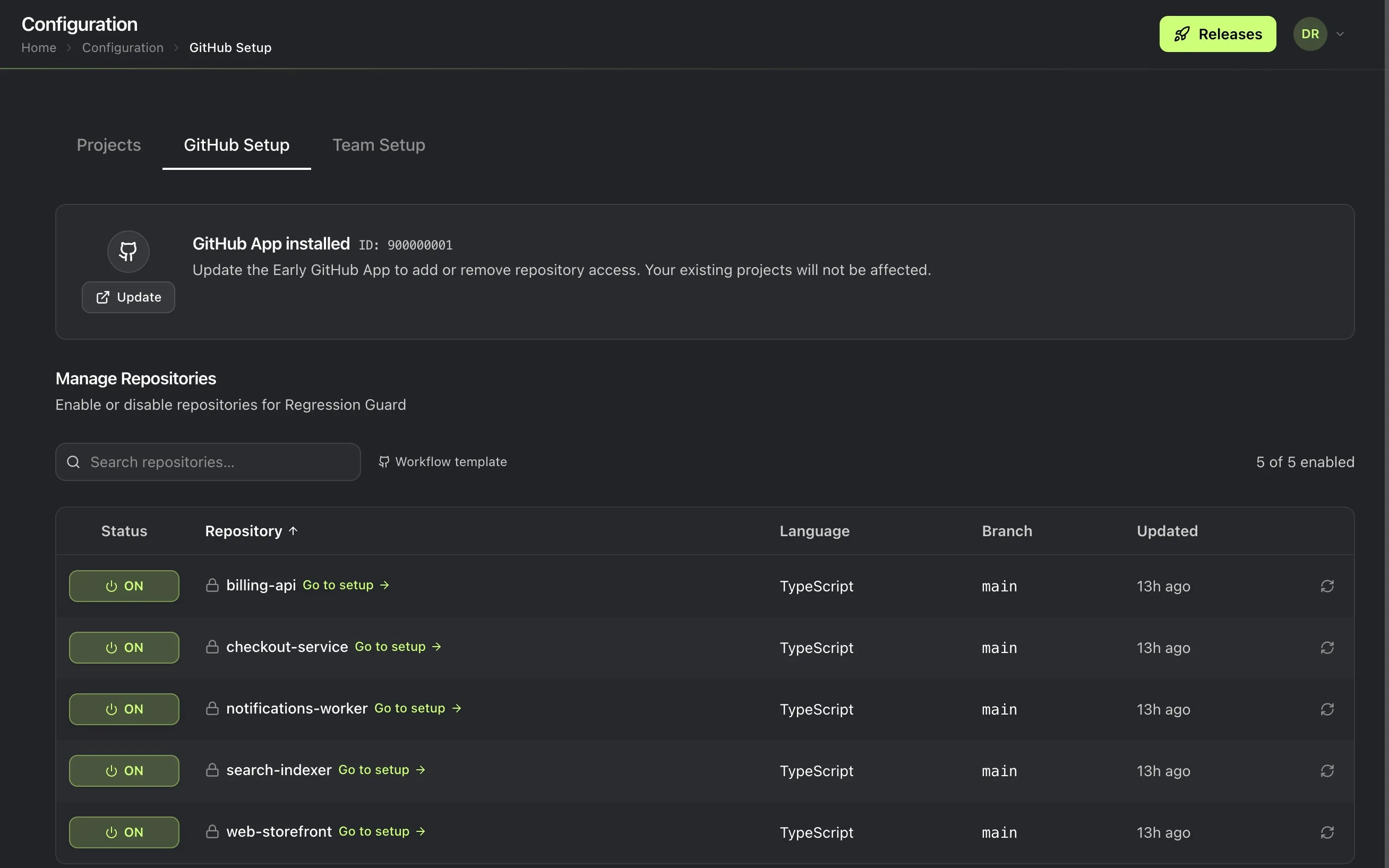
What this does
The installation only grants read access to code and metadata, plus read and write access to actions and pull requests. These permissions are scoped to whichever repositories you choose, not platform-wide.
Prerequisites
A team (create one first).
Steps
- Go to Setup, then the GitHub App tab.
- Start the installation and choose the organization to install it on.
If you aren’t a GitHub organization owner
Installing the App needs approval from whoever owns your GitHub organization. If that isn’t you, Early shows the installation as pending until an owner approves it. There’s nothing further for you to do until they act. Send them the installation link, or ask them to open Setup → GitHub App themselves and approve it from there.
Checkpoint
Once approved, the App shows as installed and choosing repositories becomes available.