Legacy documentation
Downloading and Installing the Extension
Follow these steps to download and install the Early for IDE extension in Visual Studio Code.
Prerequisites
Before installing the extension, ensure the following:
- Visual Studio Code: Version 1.93.0 or higher. Download VS Code
Installation Steps
1. Install from the VS Code Marketplace (Recommended)
- Click this link to directly open the extension in Visual Studio Code.
- Click the Install button to add the extension to your environment.
2. Install Using a .vsix File
If you’re using an editor like Cursor or Windsurf, you may find that extension updates from the Microsoft Marketplace are delayed or, in some cases, missing entirely.
Using one of those editors? Grab the .vsix file from our public release repository to install manually.
💡 Looking for installation steps? See how to install from .vsix →
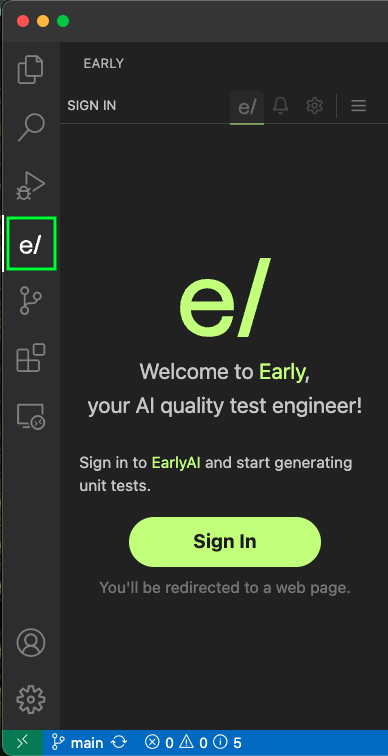
3. Verify Installation
- Open the Command Palette (
Ctrl+Shift+P/Cmd+Shift+Pon Mac). - Type and select
View: Show Early. - If the extension opens without errors, you’ve successfully installed it!
Troubleshooting
If you encounter issues during installation:
- Restart VS Code: Many installation issues are resolved with a simple restart.
- Check Compatibility: Ensure your VS Code version is 1.93.0 or higher.
- Visit the FAQ: Early for IDE FAQ.
For additional help, contact support@startearly.ai.