Early Release Guard
Create your team
Your team owns the GitHub connection, the projects, and every analysis result. Everyone you invite shares them.
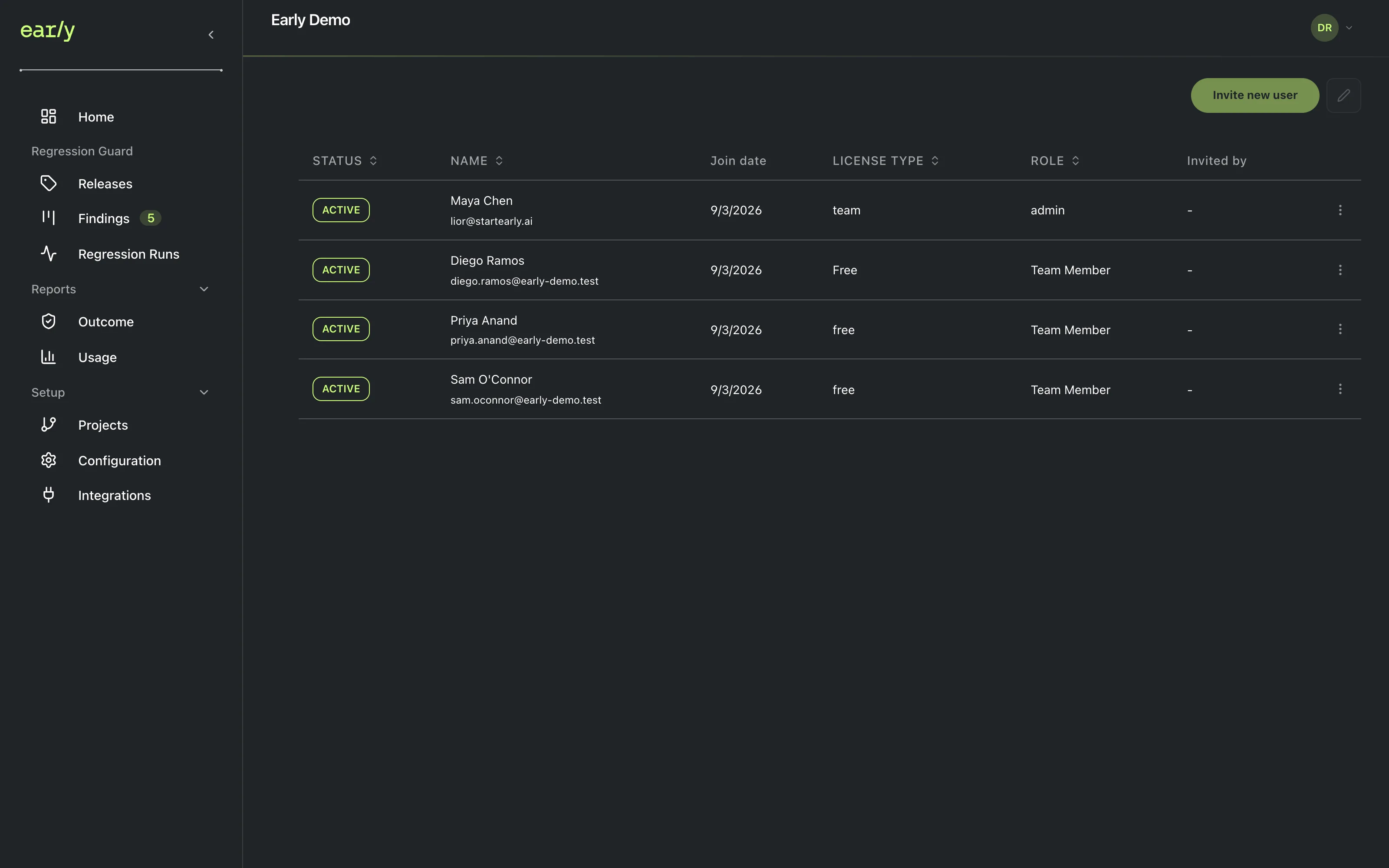
What you’ll have when you’re done
An Early team is the container that owns your GitHub connection, every project inside it, and every analysis result your team produces. Everyone you invite later shares all of it.
Prerequisites
None. This is the first step.
Steps
- Open Team settings. If you don’t have a team yet, you land directly on the team creation form. there’s no separate dialog to open first.
- Name your team and confirm.
Checkpoint
Your team now appears by name wherever Early shows team context, and the next step becomes available.
Next
Invite your team whenever you’re ready to add teammates, or continue to installing the GitHub App.